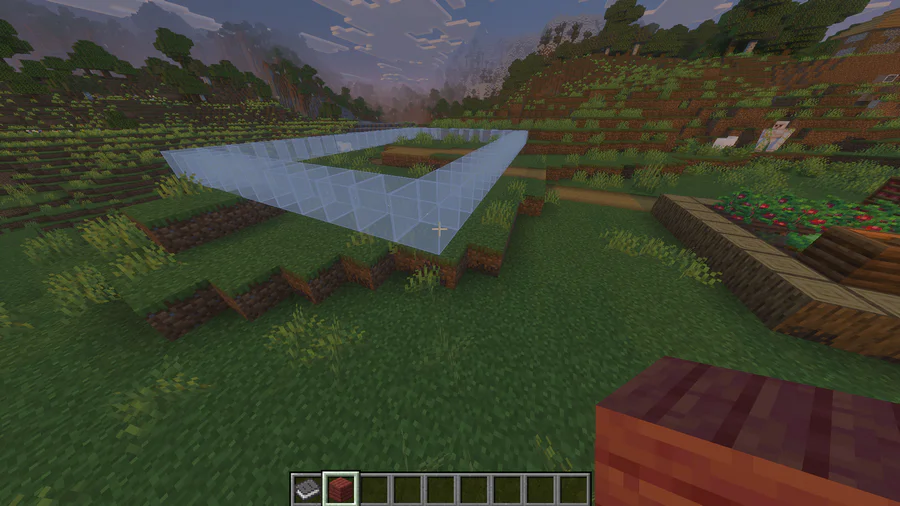
Effortless Building is a tool to ease your day-to-day creation process in Minecraft Bedrock. For me, this tool has become a go-to because of how simple it is to use compared to WorldEdit.
How to Build Without Effort
The addon introduces the Building Book. When you open it, there are only two tabs: on the left is a tab where you can choose a shape, like a circle, cylinder, pyramid, etc. On the right is a tab to choose if it needs to be filled with blocks, stay hollow, or even be a frame. You choose a shape according to your preference, and you’re ready to build.

But how do you select a block? It took me by surprise that you just need to put it on your hotbar. Then, you tap on the place you want the starting point for the build to be and drag to change the dimensions of the shape in real time.
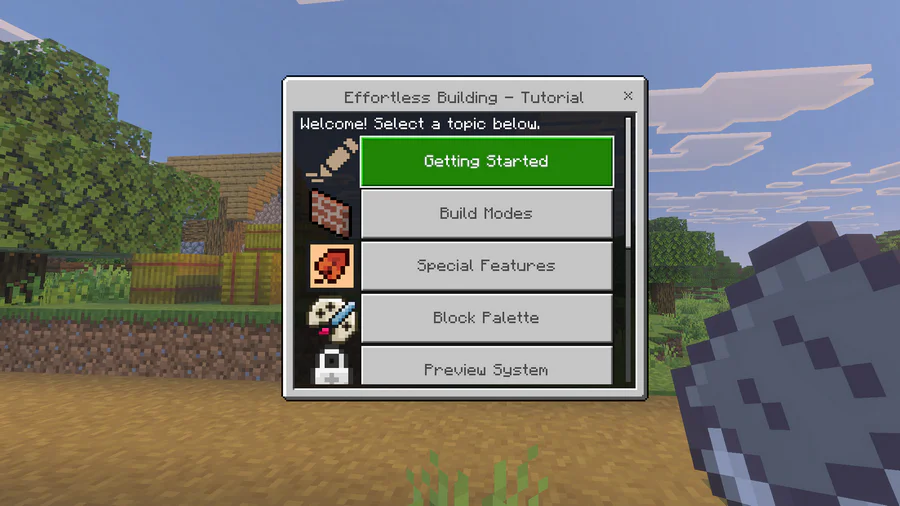
Pro tip: If you have multiple blocks on your hotbar, you can get the addon to create a structure with a mix of those blocks.