
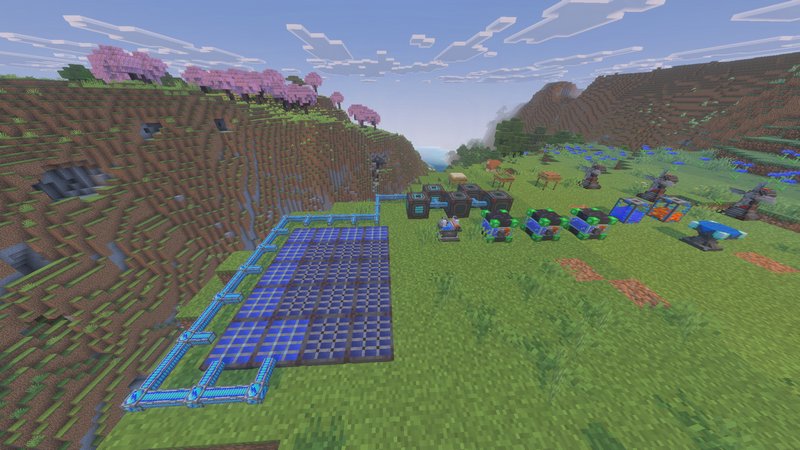
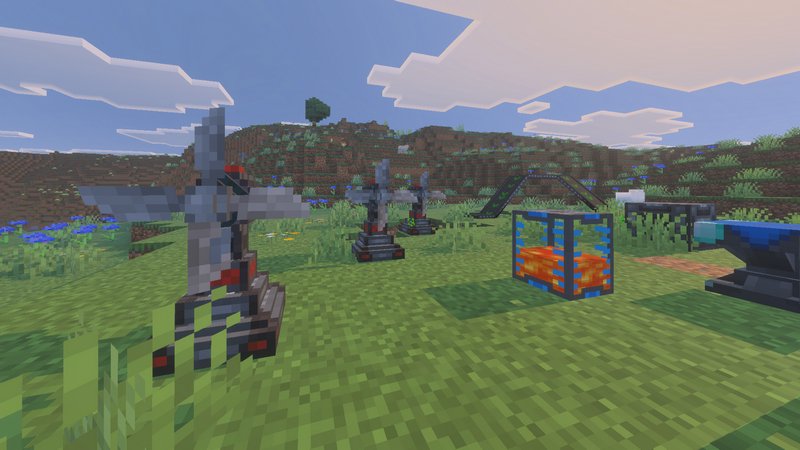
Imagine Minecraft but you have conveyor belts, tractors, and other machines to automate everything in the game – that’s the UtilityCraft addon. Build full-fledged plants that can gather, process, and deliver the end product to a desired place of storage.
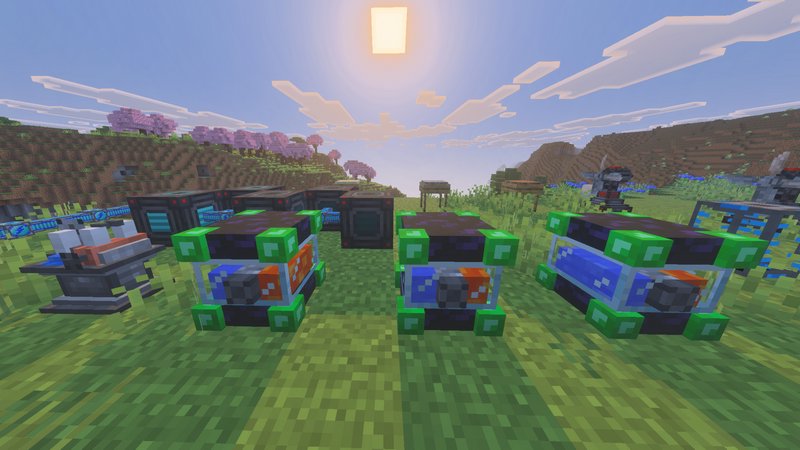
Where To Start
- Once the addon is installed, you’ll want to craft the UtilityCraft Workbench. This special crafting table is where you’ll make all the new machines and tools added by the addon.
- Next, you’ll need to gather resources like steel, which is a new ore added by the addon. You’ll use these resources to craft the machines, tools, and other items added by the addon.
- Once you have the Workbench and some resources, you can start exploring all the new features added by the addon. Try crafting new tools, setting up machines to automate tasks, and experimenting with the new crops and blocks added by the addon.
What kind of machines are there in the addon
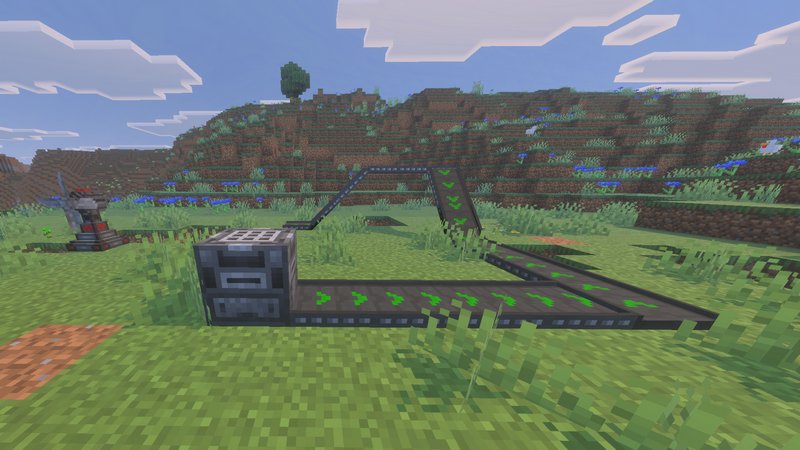
Harvester: This machine is used to automatically harvest crops within its range. It can harvest various crops, including those added by the addon and vanilla crops like wheat, carrots, pumpkins, and more.
Crusher: The Crusher is used to crush certain blocks into different ones. For example, it can turn cobblestone into gravel, gravel into dirt, dirt into sand, and so on.
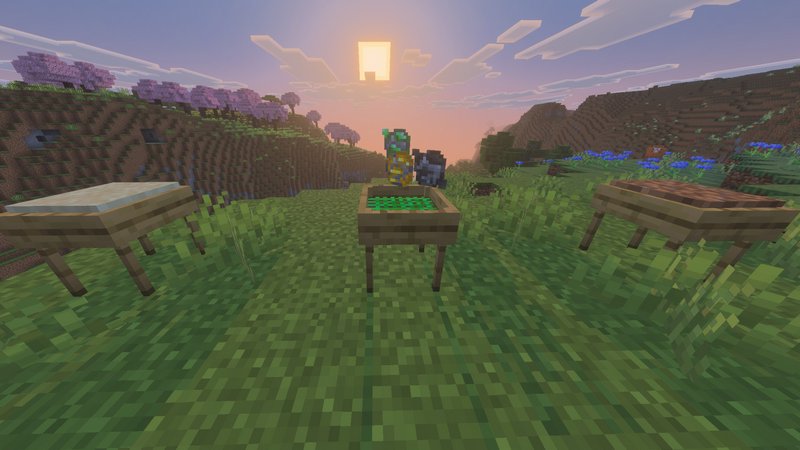
Autosieve: This machine filters blocks that you give it to obtain resources based on the block type. It can filter gravel, dirt, grass, sand, soulsand, and crushed netherrack.
Block Breaker: The Block Breaker breaks blocks in front of it, excluding indestructible ones. It’s useful for automating processes like converting concrete dust to concrete and more.
Mob Grinder: This machine functions similarly to a trident killer, causing constant damage to mobs until they are killed. It collects experience and loot dropped by mobs, which can be picked up using an XP magnet and an Ender Hopper.
Get a faster grip of the addon’s features with by download Guide Books, available as a separate download.