
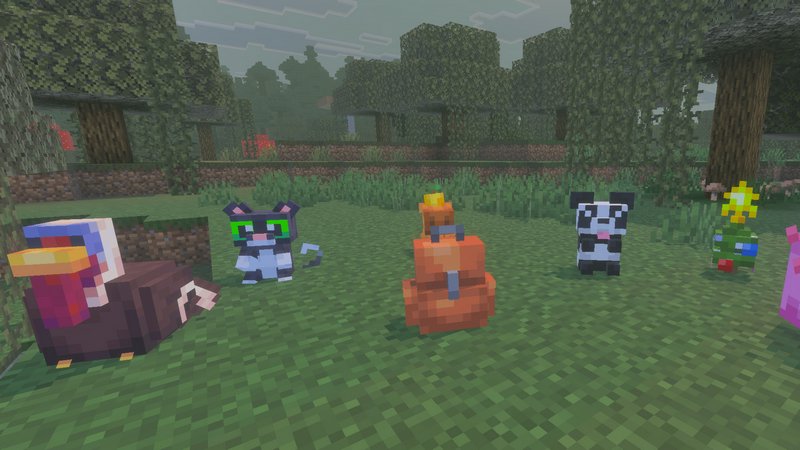
It’s not simply the additional space that makes for a great backpack, but the effectiveness of its utilization.
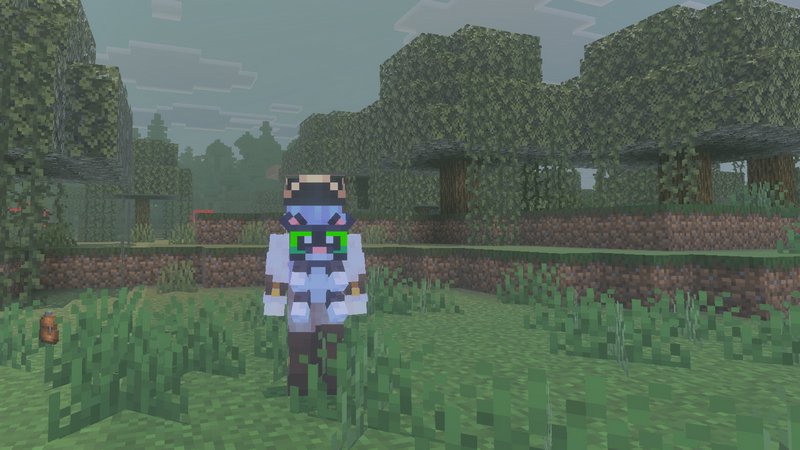
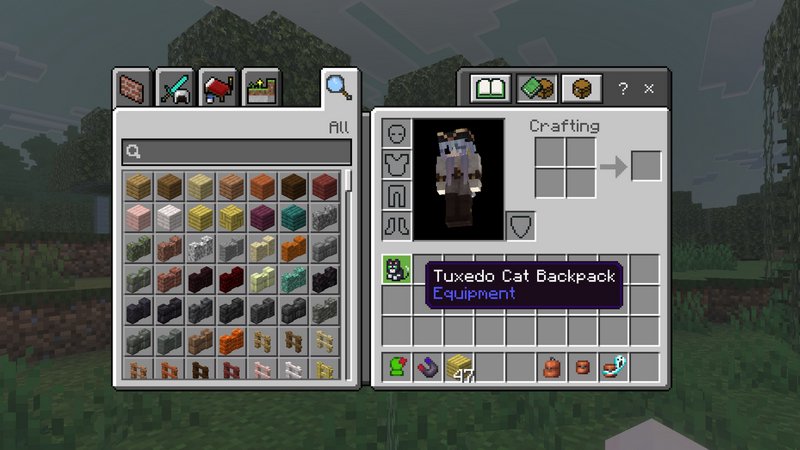
So, you have made your first backpack and want to put it on? Place it into your inventory slot (not Hot bar). The basic backpack capacity is 27, but you can extend it to 256 with Ender Expansion.
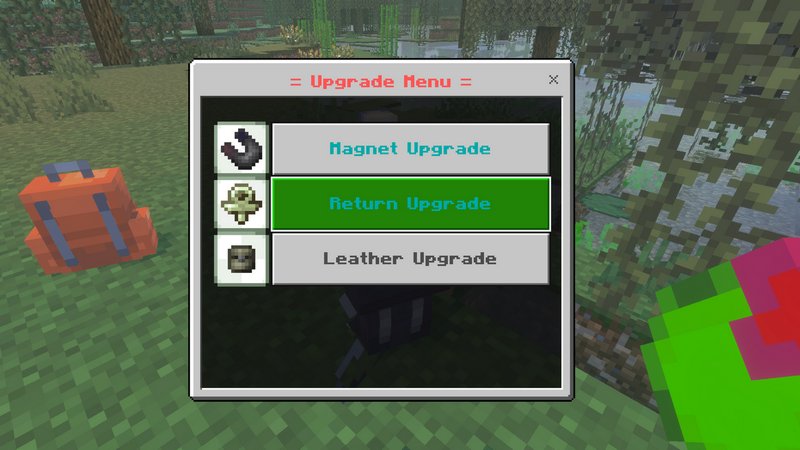
Place your backpack on the ground, then go Sneaking and Tap on it to open the Upgrade Menu.
Features
- Use /true:backpack friends enabled to allow friends access to the backpack.
- You can dye backpacks by placing them on the ground and tapping with a dye.
- The Return Upgrade will keep the items inside the backpack safe in case of your demise.
- The Magnet Upgrade will draw the items on the ground towards you.
- You can bound the backpack to yourself, so that no one else can access its contents.
6 replies on “True Backpack”
It wouldn’t quite work…
Doesn’t make any sense to me why it wouldn’t work for you. Could you maybe specify what game version you’re running it on? What’s not working exactly?
How do you take the backpack off?
Put the backpack into your inventory to put it on. Move to the hotbar or out of inventory to take the backpack off.
It shows a pop up that can’t be closed when I open the world
Im in 1.19.70, it didn’t happen in previews versions
Does it say anything in the pop up?