
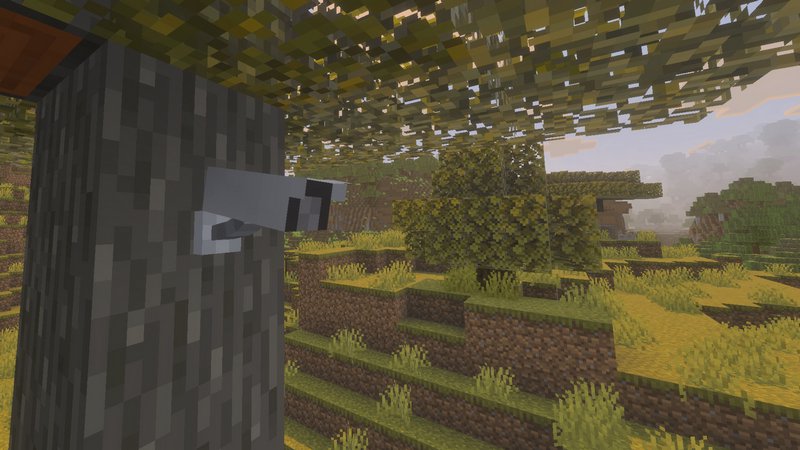
Secure your home with a high-tech surveillance system using the Security Cameras addon.
Install and manage multiple cameras featuring either a Fixed View or a Dynamic View. When placing a camera, you will be prompted to choose between these two modes:
- Fixed View: Ideal for monitoring a specific, limited area. After selecting this mode, you will be required to input the exact coordinates the camera should face. Make sure to note these coordinates before you begin installation!
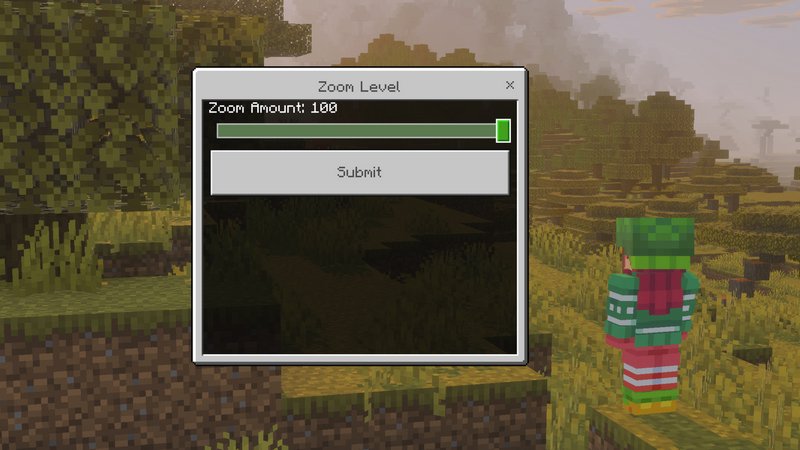
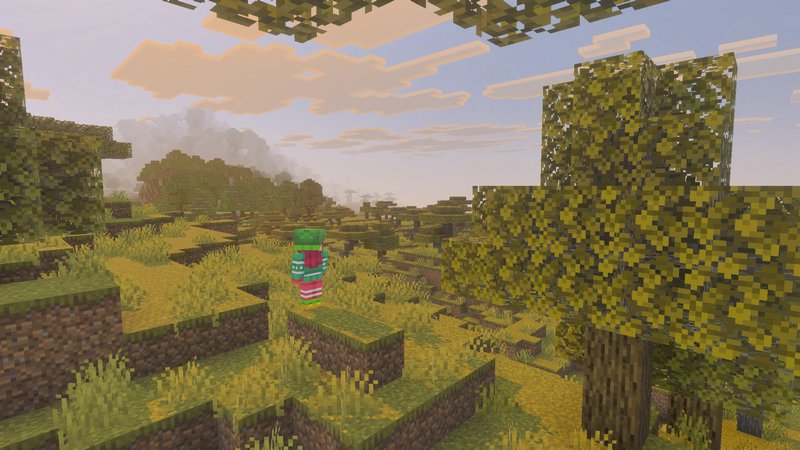
- Dynamic View: Perfect for overlooking large open spaces. This mode allows you to rotate the camera and look around freely, as if you were standing at the camera’s location yourself.
Privacy & Servers
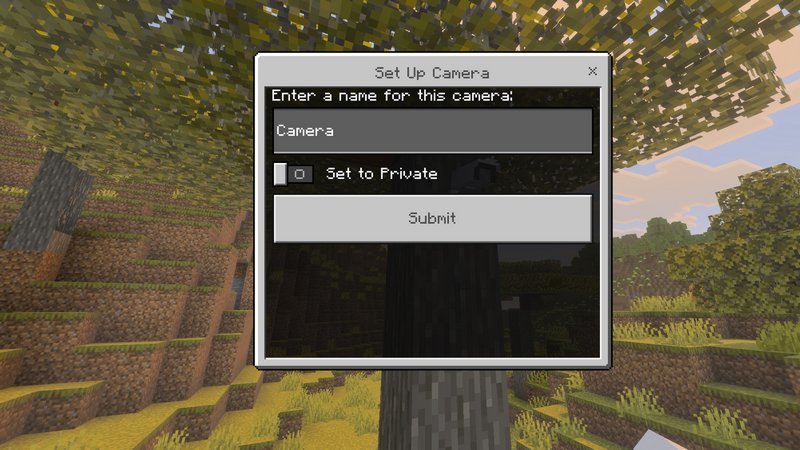
Cameras can be set to Private or Public. On a multiplayer server, public cameras are a great way to allow all players to monitor shared areas or community hubs.
The Control Tablet
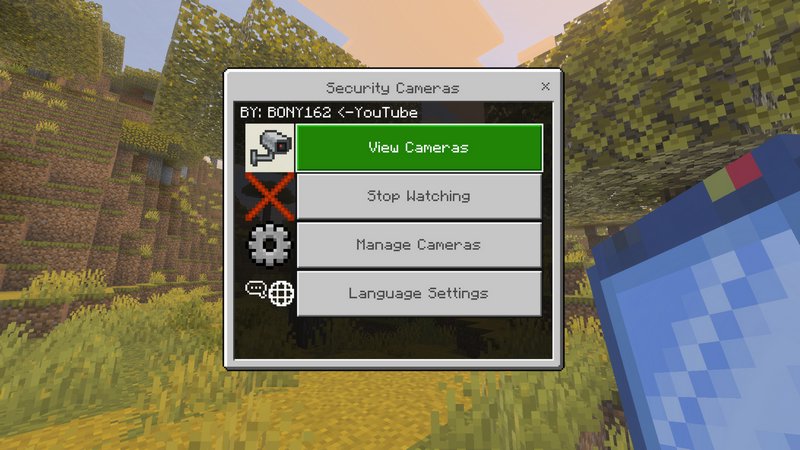
All camera management is handled through the Tablet item. This interface allows you to switch between camera feeds, rename or delete units, and toggle access modes with ease.
To switch cameras you can simply jump or Sneak.