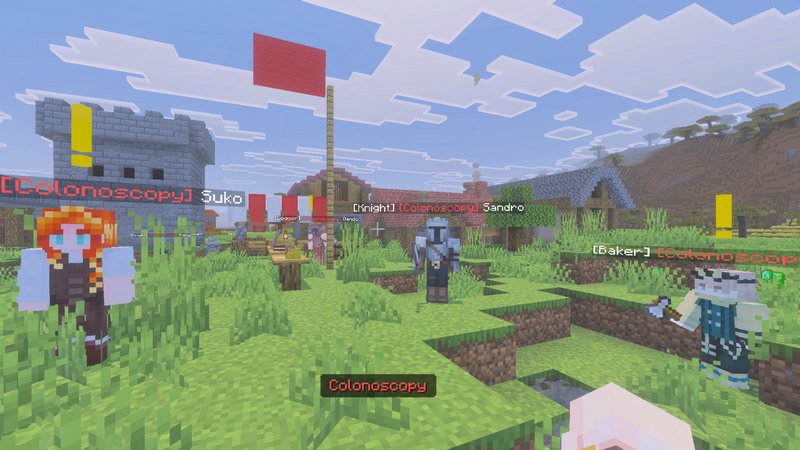
Establish and manage complex colonies with players and NPCs in Minecraft Bedrock. This addon equips you with a set of tools to maintain a large, autonomous settlement where NPCs are assigned to specialized roles.
Founding a Colony
Founding Your First Colony
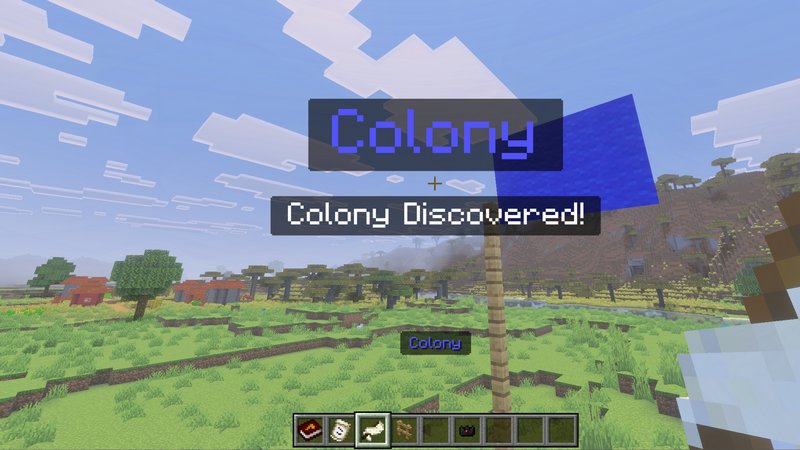
To begin, place a Fence Pole, craft a Flag, and place it on top of the pole. This triggers the founding process, allowing you to choose a name, flag colors, and your Government Type.
- Note: Choosing a “Democratic” rule allows the colony to hold elections for the position of Mayor.
Once established, the colony will register its territory, making the surrounding area available for blueprint construction.
The Mayor’s Table
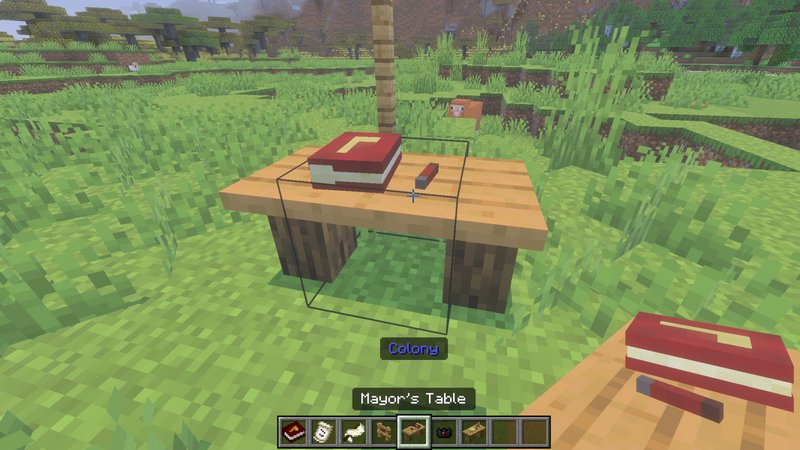
The Mayor’s Table is your central management hub. Here, you can assign ranks to players or hire NPCs for 10 Emeralds each.
Assigning NPC Jobs
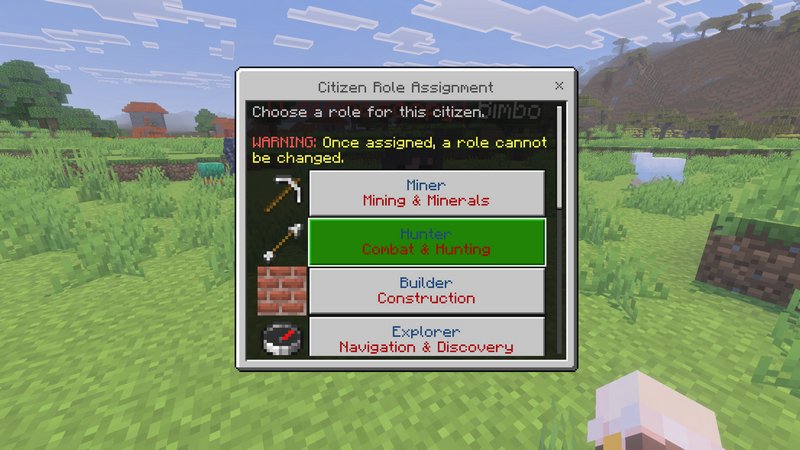
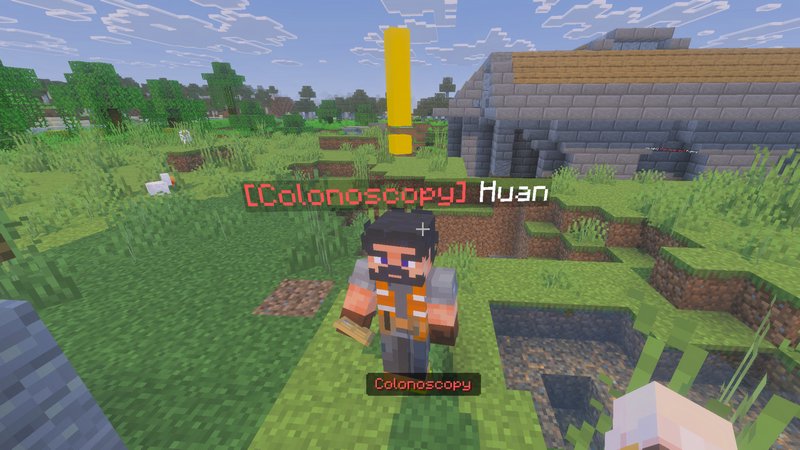
After hiring an NPC, tap on them to assign a job. It is highly recommended to assign your first two NPCs as Builders, as they are required for construction.
NPCs can be assigned roles such as Farmers, Potion Makers, Miners, Hunters, or Knights. As they work, they will yield resources that you can collect by interacting with them.
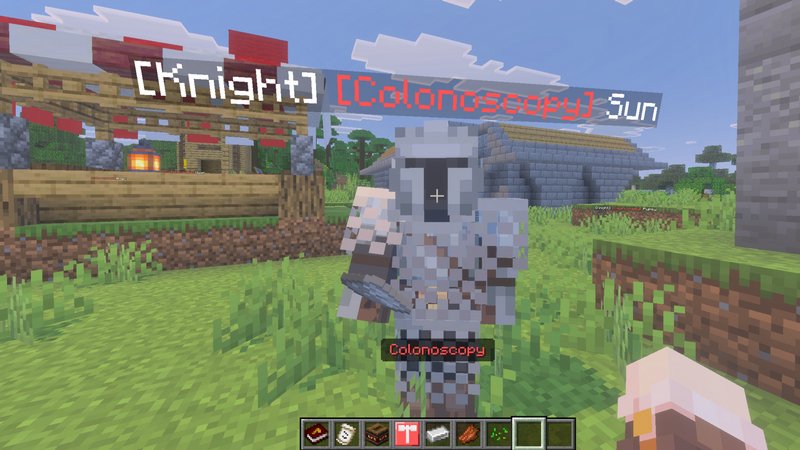
Knights: These are essential for defense. You will need Iron Ingots to promote an NPC to a Knight to protect the settlement from raids.
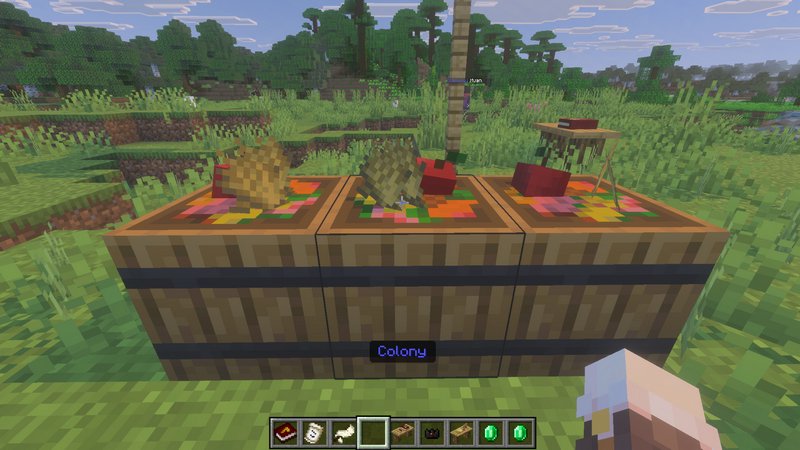
Feed Your Workers
Place Food Baskets around the village and keep them stocked. Workers will not work without food and may eventually abandon the colony if they are neglected.
Blueprint Construction
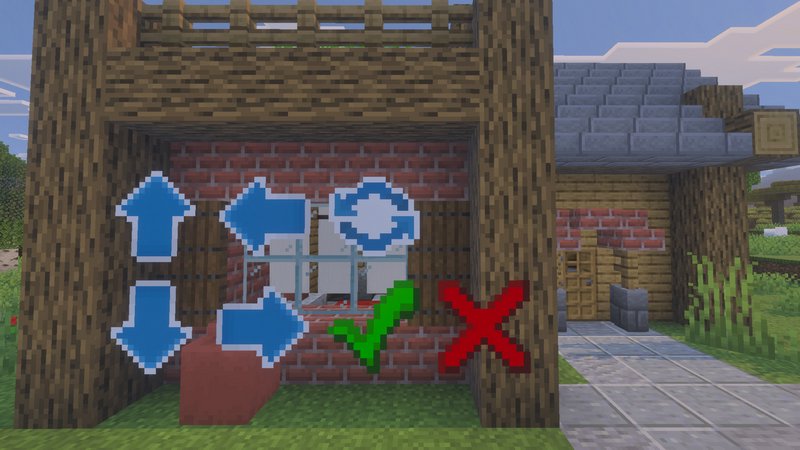
Use the Blueprint Workbench to access building plans. When you select a house blueprint and place it, a preview will appear along with UI controls (arrows) to adjust its orientation and position. To begin the actual build, you must have at least two NPCs assigned to the Builder role.
Find an additional information about the addon’s features on the Wiki.